
From the Admin menu, click on the Action Log option in the left-hand navigation.
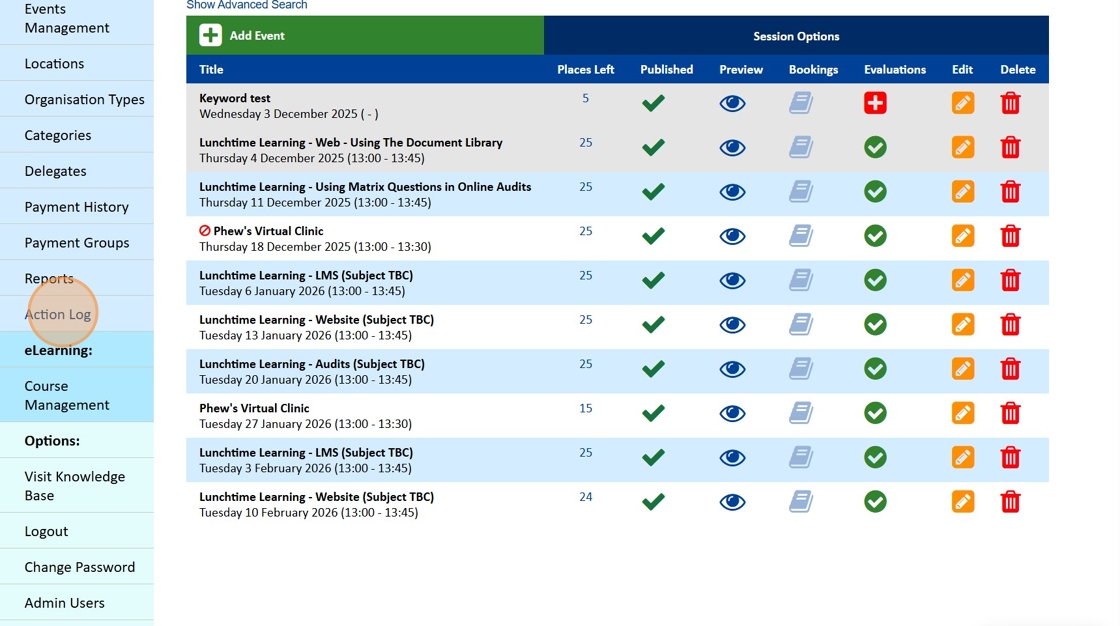
You have a number of different ways to filter the Log including, Dates, Users and Actions as well as the ability to Search the log.
From the Actions dropdown we have chosen Deleted.
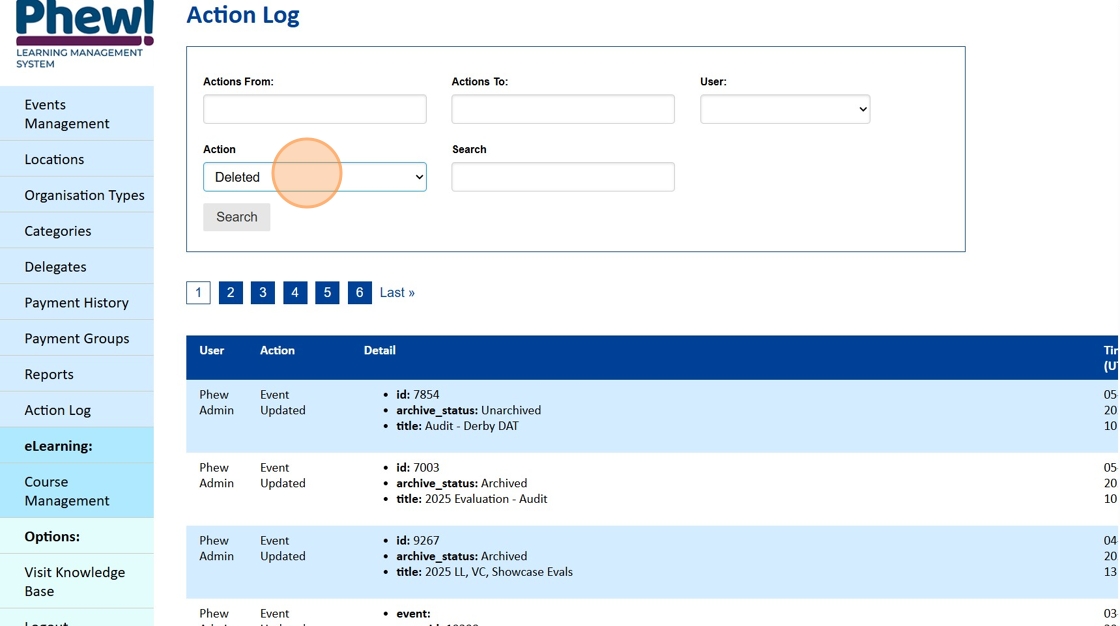
Then click on the Submit button.
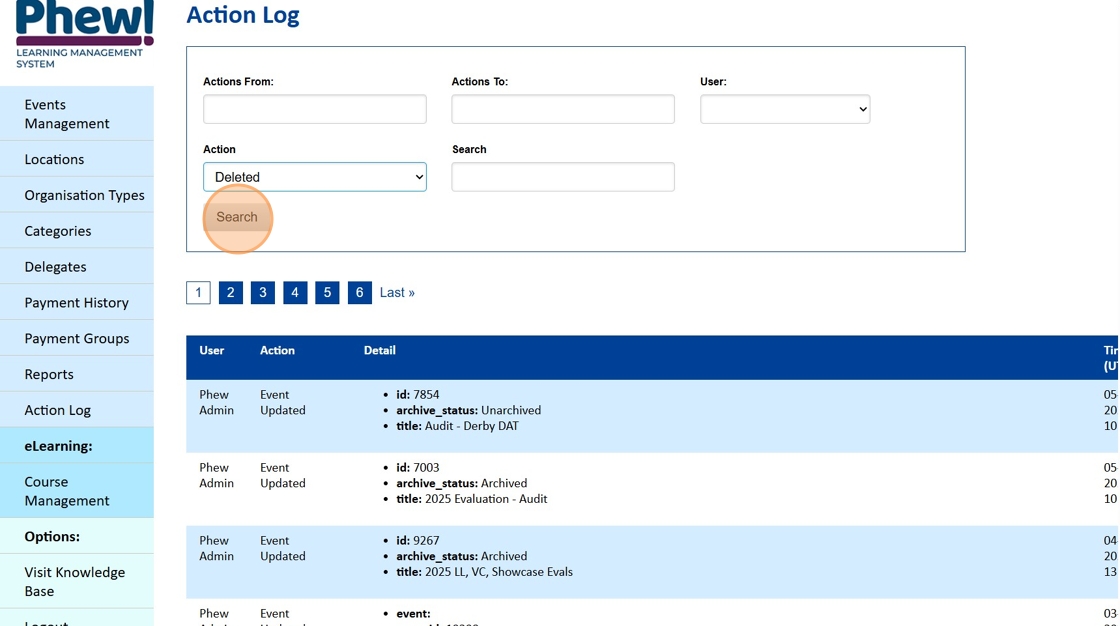
The Action Log will refresh and only the Deleted actions will be displayed.
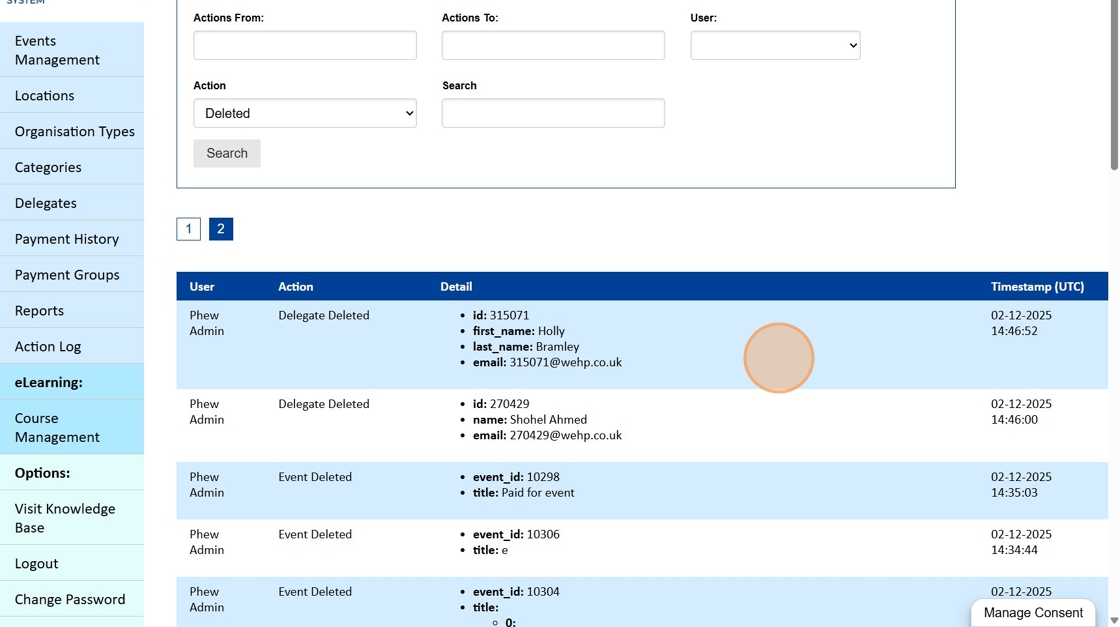
If you are looking for a specific action you can use the search option. Click into the Search field.
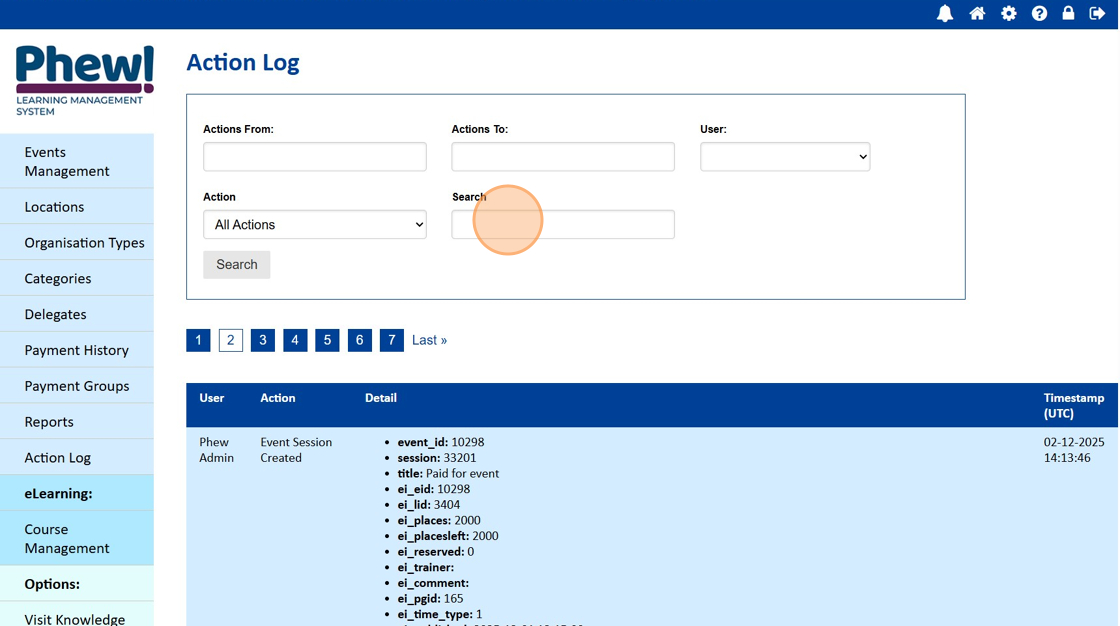
Add your search term, in this example we are using an email address. Click on the Search button.

The results that are returned where you can confirm:
- The User that made the edit
- What Action was completed
- Details of the Action
- Time of when the Action was taken

We hope the Action Log will help you located both when actions were taken and by whom.
Looking for further support?
Need extra help with your site header or anything else? Email our support team on support@phew.org.uk