
Using the Video block in a Phew Standard elearning course to add a videos to your elearning course is a great way to enhance the learning.
However, if you need to format you link in a specific way, or you could have issues viewing the video as below.
Simply copying the link from the browser is not enough; you must format the link in a specific way to make it work. Have a look at the following example
Link from the Browser
https://vimeo.com/647733795/
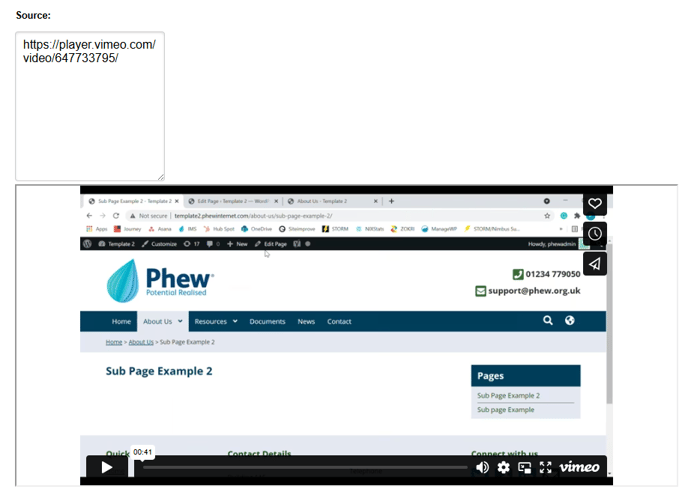
Change the link to include the bold sections
https://player.vimeo.com/video/647733795/
Once you have amended the link the video should display.
Still, looking for further information?
Email us at support@phew.org.uk and we will be able to give further clarification on any questions.